
Project Overview
Redesigning the Zoho Books integration to automate invoice imports, eliminating manual effort and significantly improving productivity for SMB users.
Team
1 UX Designer
1 Visual Designer
Duration
2 Weeks
About Xflow
Xflow is a cross-border payments platform that enables B2B businesses, freelancers, IT service providers, goods exporters, and funded startups to seamlessly receive and manage international payments.
Xflow's users span Freelancers, Small and Medium Businesses Owners, IT Exporters and Funded Startups. Out of these, Small and Medium Businesses and IT exporters use Accounting and Invoicing Softwares such as Zoho Books. Therefore an integration between Zoho and Xflow made sense. Instead of re-entering invoices, users could pull them straight from Zoho. Users had connected their accounts and were importing invoices. On paper it was working. In practice, it was creating more work than it saved.

01
There was no sync. Each time a user raised a new invoice in Zoho, they had to return to Xflow, open the import flow, find it, and pull it across — sometimes several times a day. The integration was barely faster than re-typing.
02
Xflow requires two mandatory fields — Purpose Code and Transaction Type — that don't exist in Zoho Books. With no way to populate them on import, invoices sat in Draft. Users opened each one, edited it, and selected both fields by hand.
03
When a payment was reconciled on Xflow, the status wasn't written back to Zoho. Users found their books showing invoices unpaid after the money had arrived — flagged by users themselves inside Zoho.
Working with backend engineering, product scoped three fixes: auto-sync invoices daily (9 AM IST), record payment status back to Zoho automatically, and let users set default Purpose Code and Transaction Type per organization so auto-imports skip Draft entirely. My job was to design the experience that delivered all three — for new users, and for existing users who had to upgrade a connection they thought was already finished.
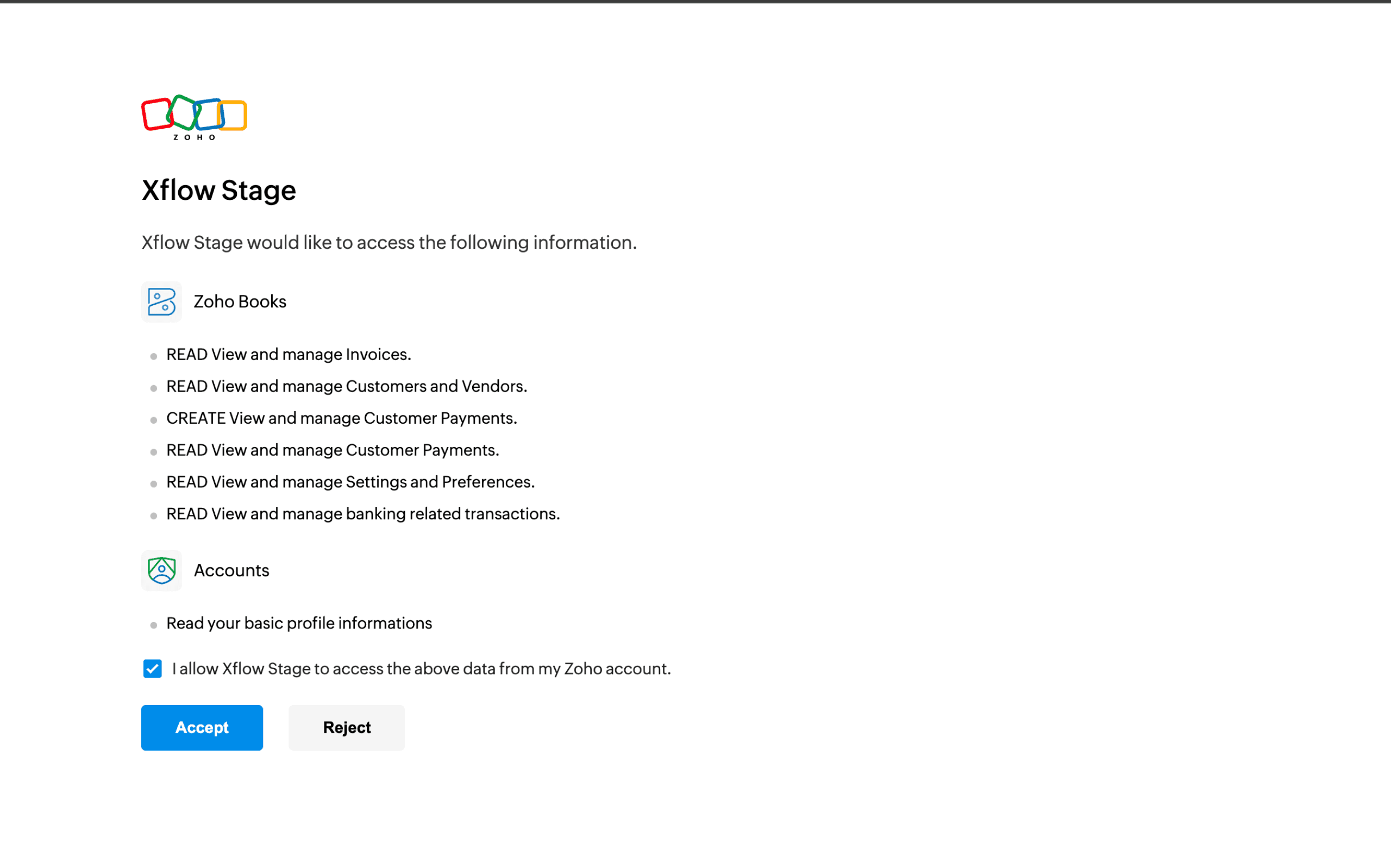
The OAuth permission problem
Writing payments back to Zoho needs a new permission. Existing users had already connected and moved on — going back to ask for more access without explaining why feels like Xflow asking for something, not offering something.
Existing vs. new users
Two different headspaces. A new user expects setup steps. An existing user considers the integration "done" — interrupting that mental model needs a gentler, benefit-led approach.
Before solutioning, I looked at how mature platforms structure integration configuration — Slack, Stripe, Notion, Google Workspace, and Zapier. The pattern was consistent: integrations have a dedicated home in Settings, never buried inside a feature page. When users want to manage, edit, or disconnect, they know where to go.
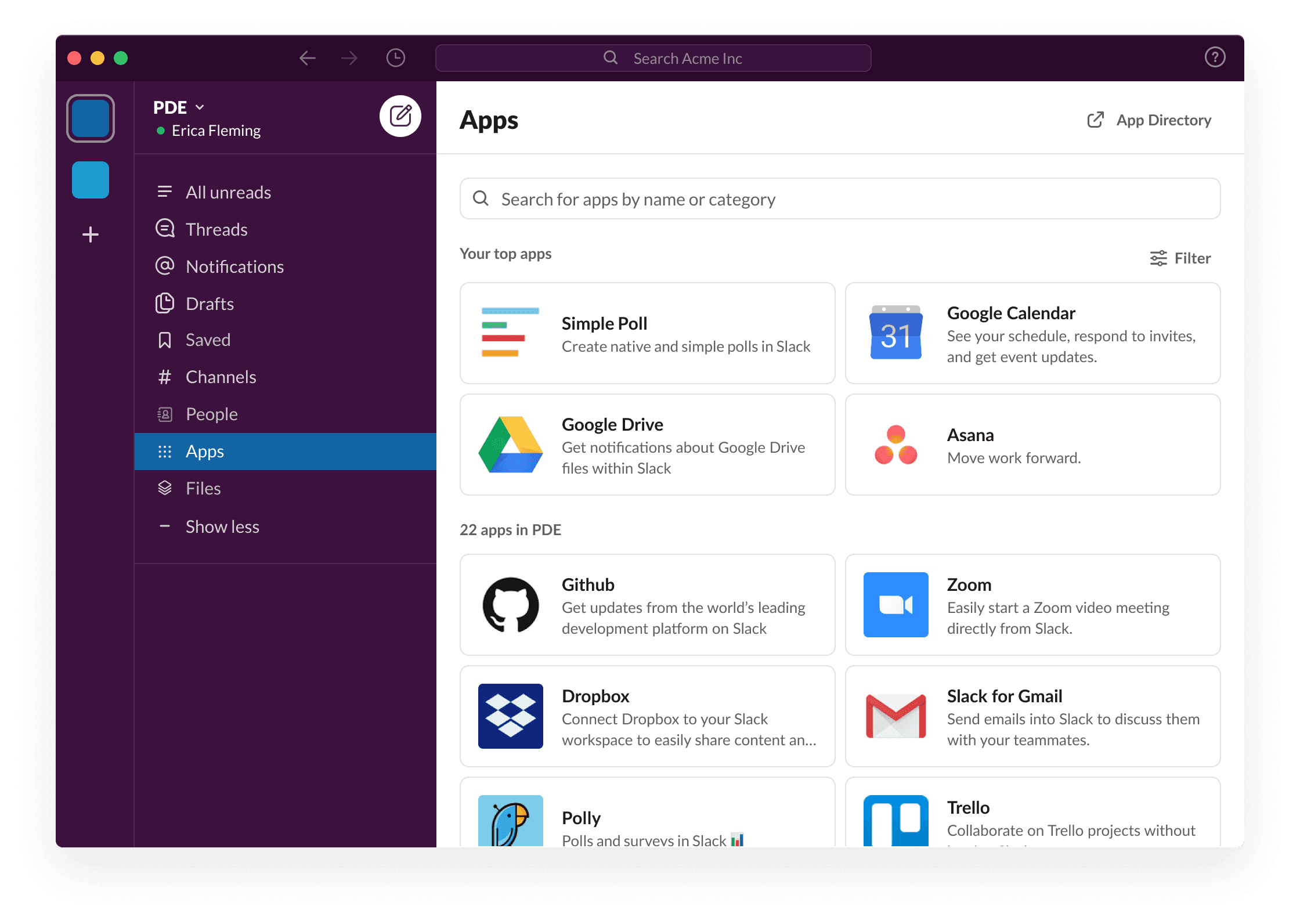

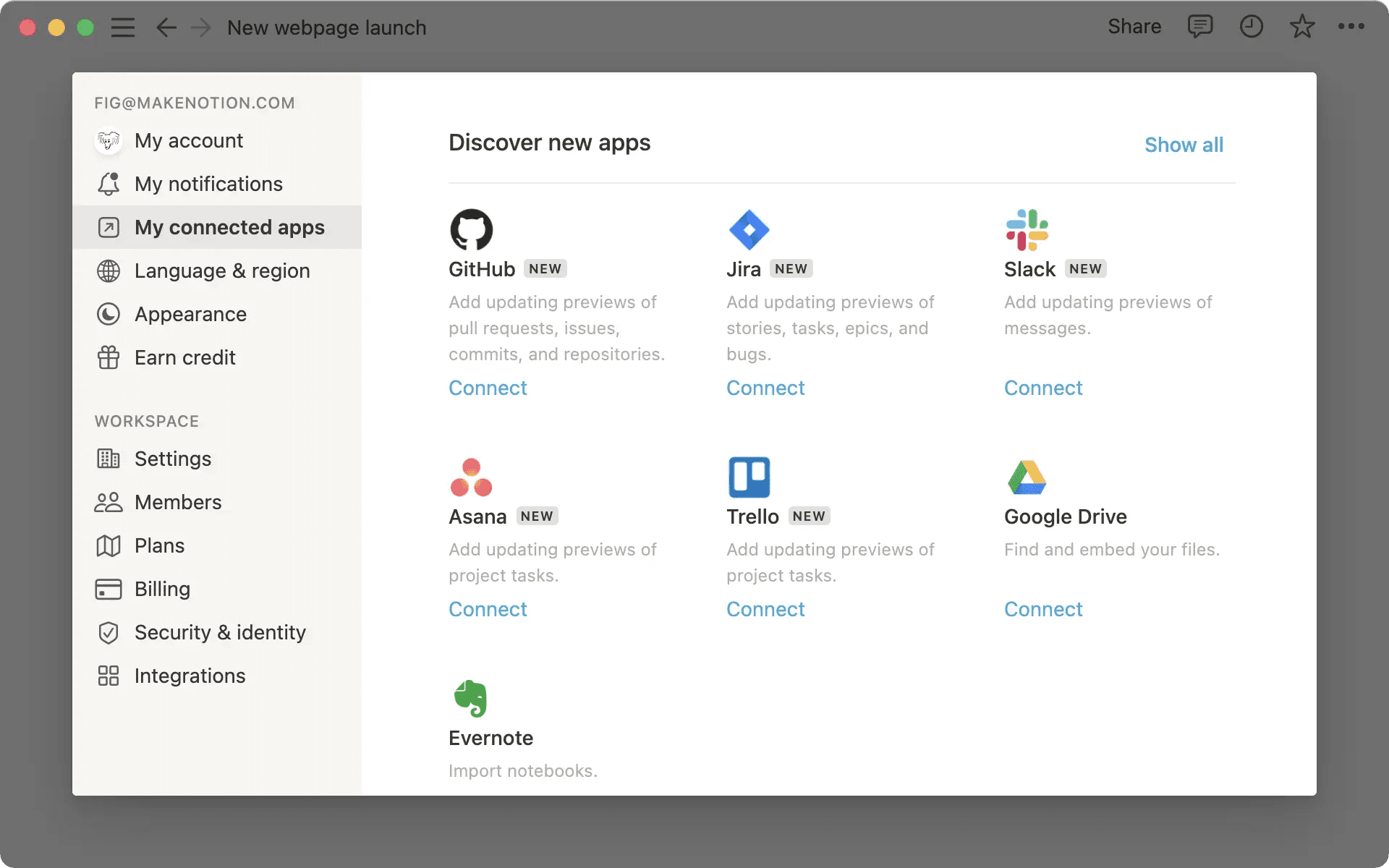


That informed one structural decision early — the Zoho integration would be configurable both at first-time setup and persistently from Settings.
I started with pen and paper, mapping user types to flow paths and locating where the real complexity lived.


Key Takeaways
The permission had to feel like a carrot, not a stick.
Early on, the plan was: ask for the payment-write permission first, then let people set up auto-import separately. But sketching it out, it just felt like asking someone for something before giving them anything back. So we flipped it — bake the permission into the auto-import setup itself. Now saying yes to one thing gets you the other. The permission stopped being a stick and became the carrot.
Not every organization wants the same thing.
The first instinct was one setting for the whole account — auto-import on or off, done. But the moment you picture someone with three orgs, one of which is basically inactive, that falls apart. People needed to pick and choose per org, not commit their whole account to one behavior.
Where you put the setup changes how it feels.
Modal, full-page modal, buried in settings — these felt like small UI decisions at first, but they weren't. The same setup step can feel like a quick nudge or a forced chore depending on where it lives. That mattered a lot more for existing users who thought they were already done setting things up.
I ran roughly 40 variations. These four shaped the call — testing one question each: should complexity sit on the user at setup, or on the system at runtime?
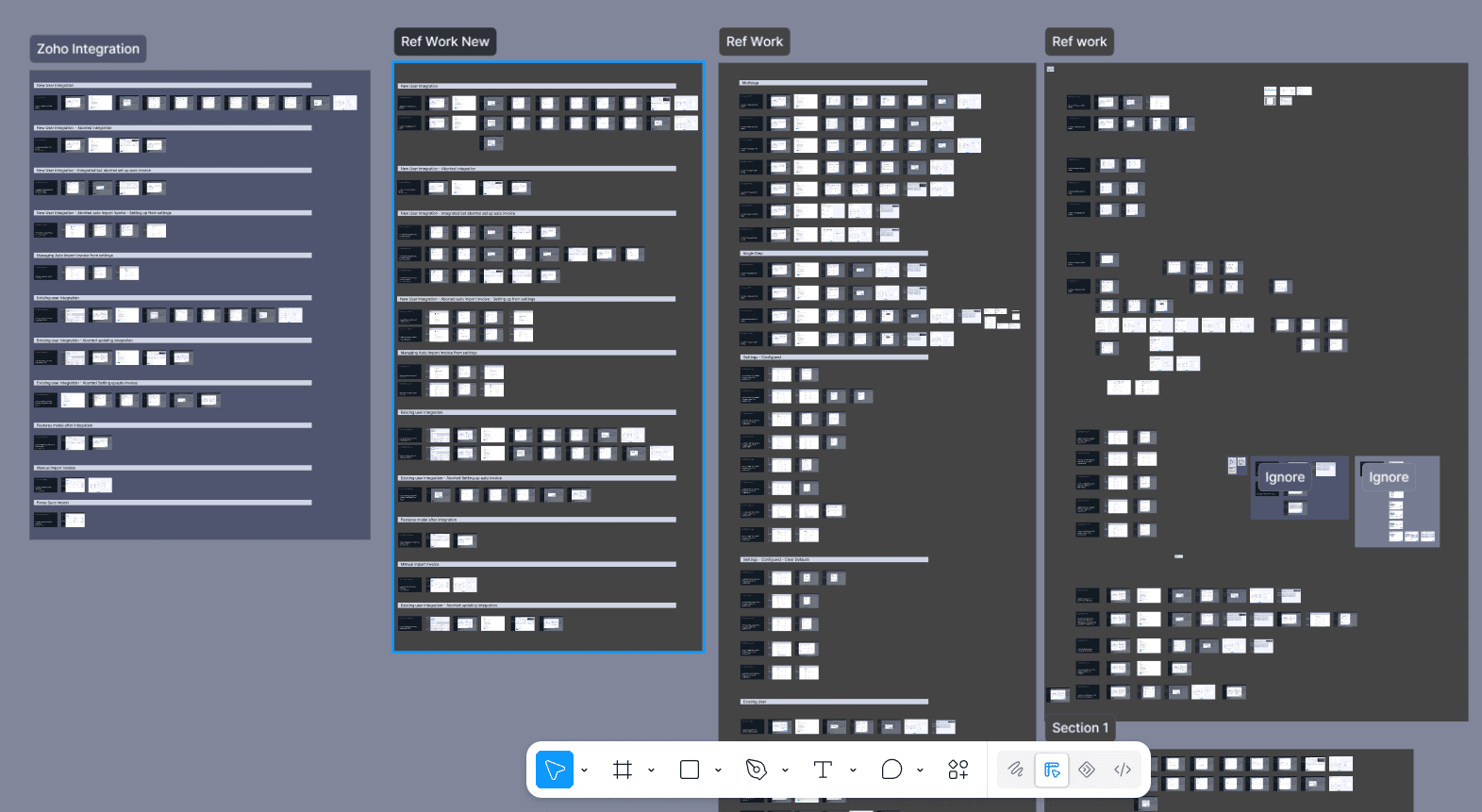
Key Iterations
A two-step wizard. Step 1 set Purpose Code and Transaction Type for every organization; Step 2 chose which to auto-import.

Step 1 — select Purpose Code & Transaction Type for every organization.

Step 2 — separately choose organizations for auto-import.
Why Rejected?
Step 1 forced defaults for all organizations — even ones the user never intended to auto-import. Want to add an org in Step 2 that wasn't configured in Step 1? Back you go. The dependency created a loop with no payoff.
A split panel combined defaults and the auto-import toggle; the second step was the existing manual import screen for historical invoices.

Step 1 — split panel: defaults + auto-import toggle, with a selected-orgs summary.

Step 2 — the (forced) existing-invoice import screen.
Why Rejected?
Step 2 was forced — not everyone needs to import existing invoices at setup. The split-panel also fit Step 2 (half selection, half preview) but left Step 1's summary panel mostly empty and unbalanced.
One screen, every organization listed with Purpose Code, Transaction Type, and an auto-import toggle per row, plus a global master toggle.
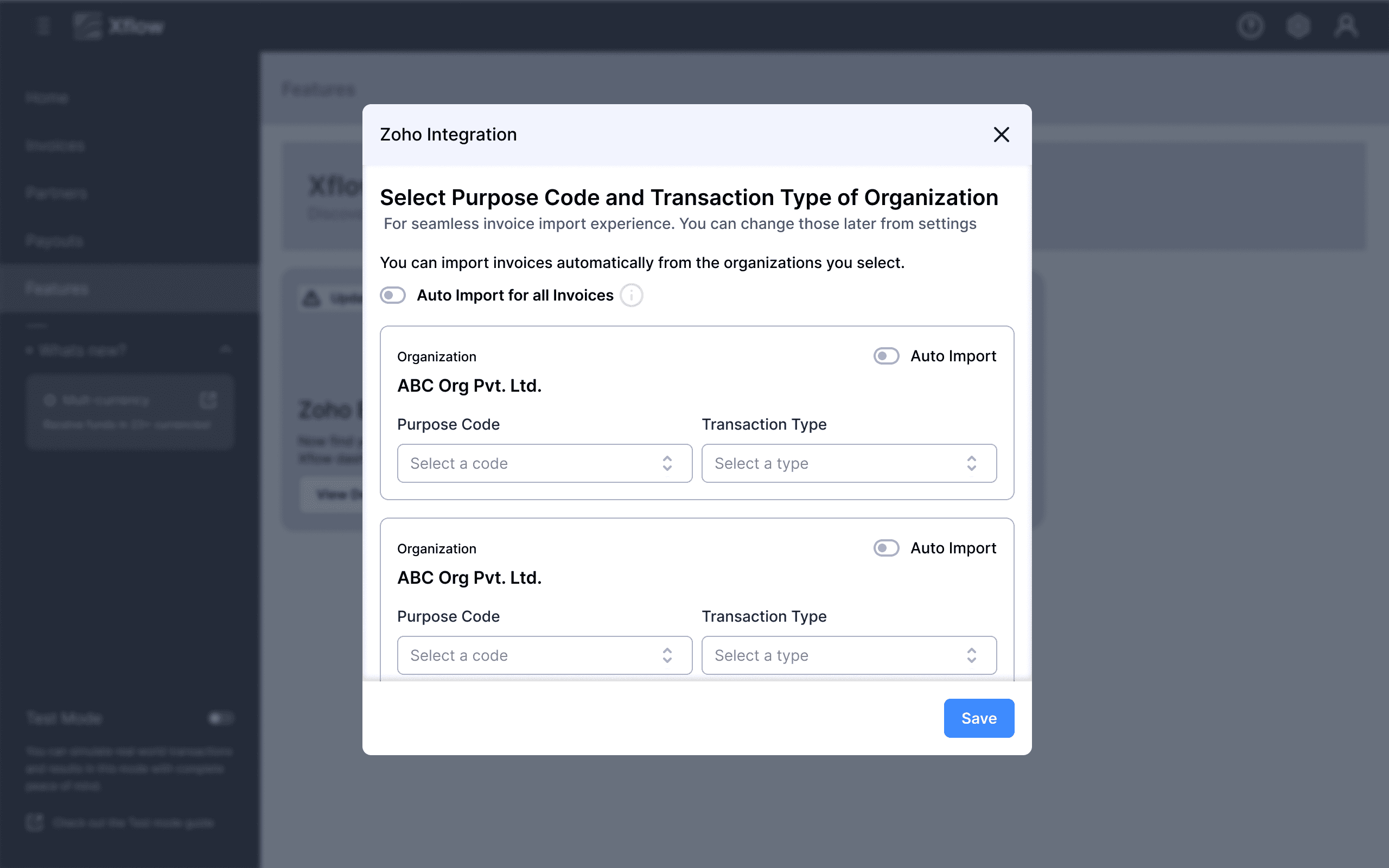
Every organization configured on one screen, plus a global master toggle — clean, but heavy as org count grows.
Why Rejected?
It forced a decision for every org regardless of intent. Four organizations but only one you want automated? You still face four sets of dropdowns. Visual weight scaled with org count in a way that overwhelmed rather than empowered.
A split panel combined defaults and the auto-import toggle; the second step was the existing manual import screen for historical invoices.

Selected direction — multiselect picks the orgs; only those get config cards.

Defaults appear inline for each selected organization. The screen builds to intent.
Why selected?
The screen starts empty and builds to intent — auto-import nothing, see a clean empty state; choose two orgs, see exactly two cards. It draws a clear line: auto-import orgs carry pre-set defaults; manual orgs pick theirs at import time. It kills the question "why am I configuring an org I don't even want automated?" The team aligned here on one argument: this feature is setting up auto-import — lead with that decision, then ask only for what it requires.
The selected direction carried through every path a user could take — onboarding, ongoing management, upgrading, manual control, and on-demand sync.
Flow 1: New user — integrating & setting up auto-import



Flow 2: Managing Zoho Integration from Zoho


Flow 3: Existing users — upgrading the connection


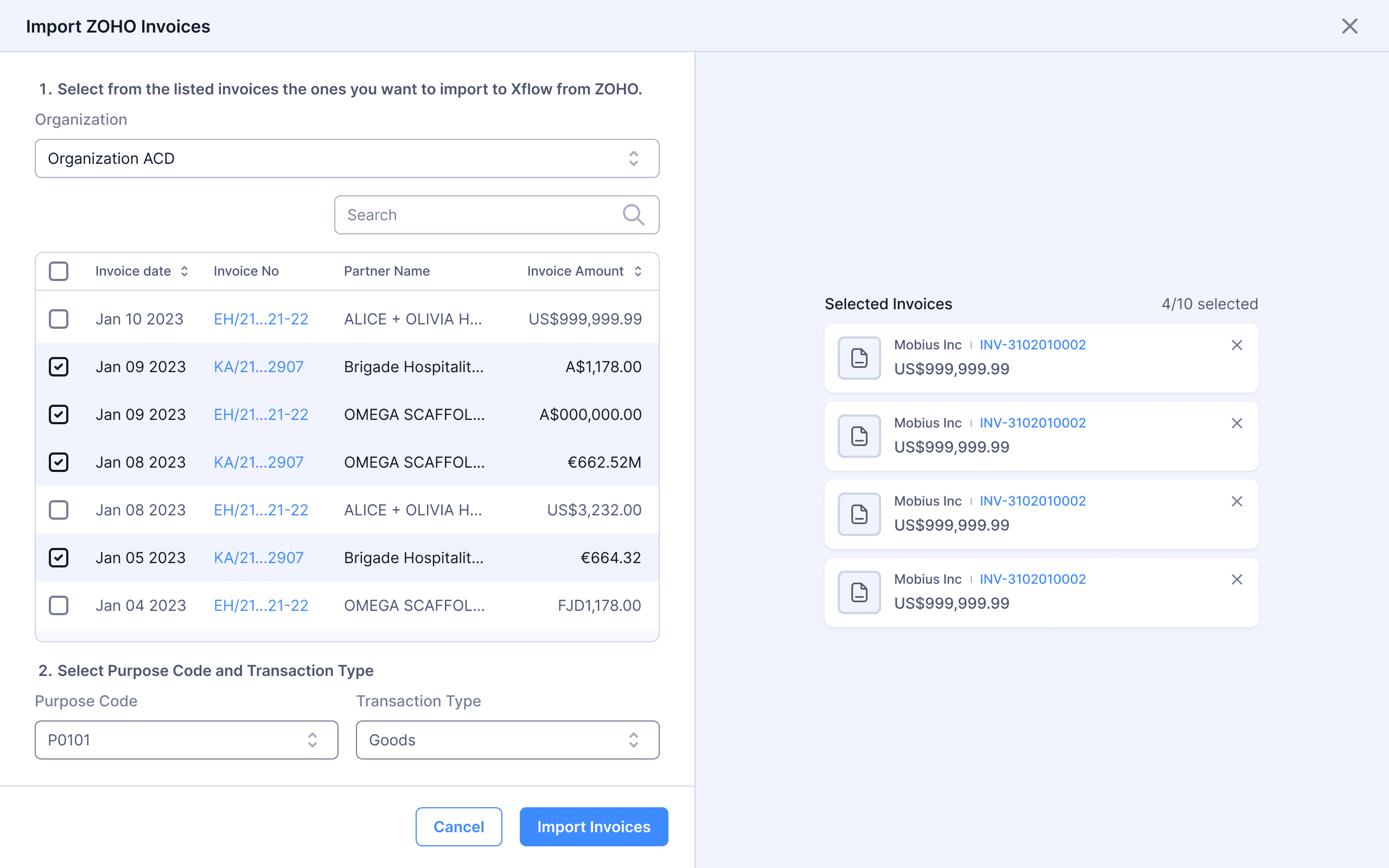
Flow 4: Manual importing invoices

Flow 5: Syncing Import

What I learned
Permission as an unlock, not a tax
My first instinct was to treat record-payment permission as a standalone feature with its own consent gate. That framing made the permission feel like a tax — something paid before access. Reframing it as an unlock — you grant it because doing so gives you auto-import — changed the entire character of the ask. The permission became part of a value exchange instead of a barrier in front of one. That pattern travels: in any product that needs incremental trust, lead with the benefit and let the permission be the mechanism that enables it.